

Introduction
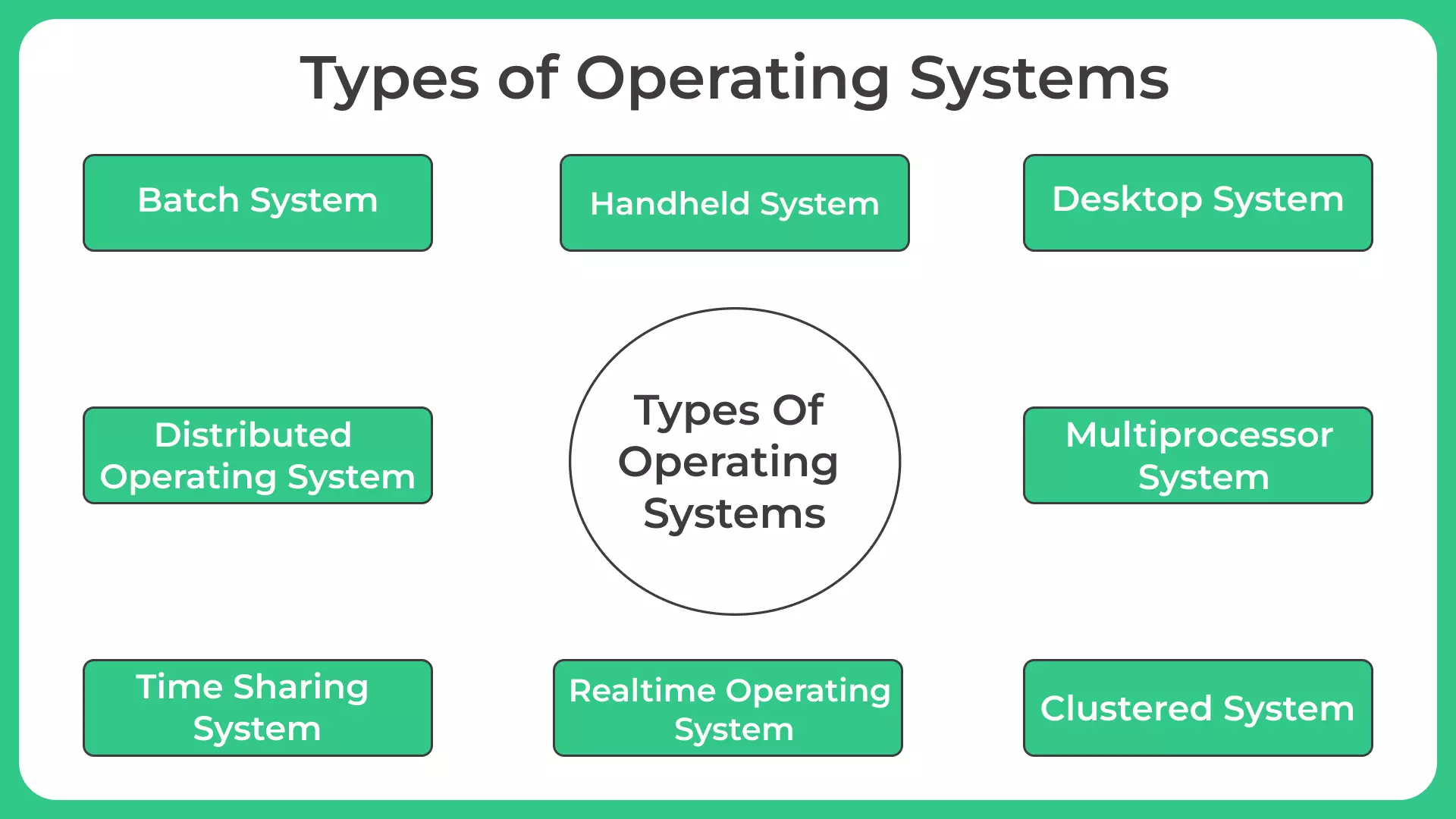
Operating systems (OS) are critical software that manage computer hardware and provide services to applications. Over decades, different OS types have evolved to meet diverse computing needs — from massive batch-processing systems to lightweight embedded platforms. In this blog, we explore 8 game-changing OS types, highlight their powerful features, describe typical use cases, and give real-world examples.
1. Batch Operating System
A Batch Operating System processes large volumes of jobs without user interaction. Jobs are queued up and executed sequentially. This design was common in early computing, where users submitted tasks (e.g. payroll, data processing) and retrieved results later.
Why it’s powerful:
- Handles high volume workloads efficiently
- Doesn’t require user presence — ideal for repetitive, non-interactive tasks
Use cases: Payroll processing, billing cycles, periodic report generation.
Real example: Early mainframe systems (e.g. old IBM mainframes) that processed bank statements or batch jobs overnight.
2. Time-Sharing / Multi-Tasking Operating System
The Time‑Sharing Operating System (also called multitasking OS) allows multiple programs or users to use a computer simultaneously. The OS switches CPU time between tasks (time-slicing), giving each process a share of system resources.
Powerful features:
- Efficient CPU utilization
- Responsive user experience even with multiple tasks
- Supports interactive usage
Use cases: Desktop computing, educational labs, multi-user academic environments.
Real examples: Traditional desktop OS like certain distributions of early Unix when used on shared workstations.
3. Real-Time Operating System (RTOS)
A Real‑Time Operating System is engineered to respond to inputs within stringent time constraints. Performance is deterministic — meaning tasks are completed within known deadlines, which is critical for time-sensitive applications.
Why it matters:
- Minimal latency; predictable scheduling
- Handles real-time inputs and interrupts reliably
- Often optimized for small memory and processing footprint
Use cases: Industrial automation, medical devices, robotics, aerospace systems, automotive control.
Real examples:
- VxWorks — widely used in embedded systems requiring real-time and safety-critical performance.
- QNX — used in automotive infotainment, medical devices, industrial control and more.
4. Embedded Operating System
The Embedded Operating System is designed for devices with dedicated hardware and specific tasks — often resource-constrained (memory, CPU) and possibly headless (no GUI).
Powerful features:
- Lightweight and efficient
- Optimized for stability and reliability
- Often real-time or near real-time capabilities
Use cases: IoT devices, smart appliances, automotive electronics, industrial controllers, embedded system devices.
Real examples: Embedded Linux variants; embedded RTOS used in microcontrollers; RTOS like QNX or VxWorks inside medical or automotive electronics.
5. Network Operating System (NOS)
A Network Operating System manages network resources, user authentication, file/printer sharing, and communication services across a network. It enables clients to access centralized resources.
Key strengths:
- Centralized resource management and security
- Shared services across multiple computers
- Efficient for organizations needing shared access
Use cases: Corporate networks, intranets, shared storage and print services, small/medium enterprise environments.
Real examples: Server-based OS such as certain distributions of UNIX/Linux or legacy systems like older versions of network-oriented OS (e.g. Novell-style NOS).
6. Distributed Operating System
A Distributed Operating System connects a group of independent computers to make them appear as a single coherent system. Resource sharing, communication, and scheduling are done across machines.
What makes it powerful:
- Scalability: can add more machines to expand capacity
- Fault tolerance and reliability through distribution
- Load balancing and resource sharing across networked machines
Use cases: Cloud computing infrastructures, high-performance computing clusters, scientific computing, distributed applications.
Real examples: Cloud back-end systems and large-scale distributed computing frameworks (though often custom OS-level or cluster-level distributed management).
7. Server / Enterprise Operating System
Though overlapping with network and distributed OS, the Server Operating System is optimized for high reliability, uptime, resource management, and security — meant to run services over long periods without downtime.
Strengths:
- Stability under heavy workloads
- Secure multi-user, multi-tasking support
- Strong resource and memory management, virtualization support
Use cases: Web hosting, databases, enterprise applications, cloud services, virtualization hosts.
Real examples: Enterprise Linux server distributions, Windows Server editions — used in data centers, corporate networks and web hosting. GUVI+1
8. Mobile Operating System
A Mobile Operating System is designed specifically for smartphones, tablets, and portable devices — optimized for touch, power efficiency, and sensor integration.
Why it’s transformative:
- Touch-based UI, intuitive UX
- Efficient resource use for battery-powered devices
- Integrated support for camera, GPS, sensors, connectivity
Use cases: Smartphones, tablets, wearables, mobile‐first applications.
Real examples: Android, iOS — powering billions of mobile devices worldwide.
Conclusion
The diversity of operating systems reflects how computing has evolved — from punch-card batch processing to modern smartphones and IoT ecosystems. Each OS type is “game-changing” in its domain: batch OS for large-scale jobs, RTOS for mission-critical real-time control, embedded OS for tiny devices, server and distributed OS for cloud and enterprise, and mobile OS for portable communication. Understanding these eight OS types helps you appreciate how different computing tasks require specialized system software — and why no single OS fits all use-cases.
To explore more, visit this useful reference:
 5 Critical Operating System Functions and Powerful Services
FAQs
Q1: Can one Operating System belong to multiple types?
Yes. Some OS like Linux can work as a desktop, server, or even embedded OS based on usage.
Q2: Which OS type is used in cloud servers?
Mainly Server OS or Distributed OS for better reliability and resource management.
Q3: Why not use desktop OS for IoT devices?
IoT devices need lightweight, low-power and real-time response — which Embedded OS provides.
Q4: Are Real-Time OS just faster OS?
No. RTOS focuses on timely responses and meeting strict deadlines, not speed alone.